
Installation
How to install 3D Morph
First, download the zip archive. Expand it, and go into the new 3D Morph folder. You'll find a file called 3DMorph, a readme file, and a folder called "Drag me Here":
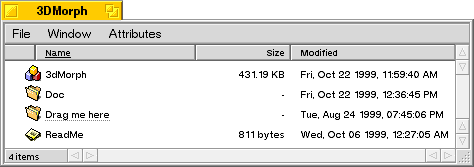
Take the file "3D Morph" and drag it in the folder. That's it! Your new
screen saver is installed. Don't forget to read the readme file, and
then you can delete the 3DMorph folder.